


22Bet App
Our team tested the app and the mobile site the way Nigerians actually use them: on data, during peak hours, and with real ‘bet slip pressure’.
 Download for iOS
  Download for Android
 A good betting product in Nigeria lives or dies on three things: how fast the slip loads, how stable live odds feel when everyone is betting at once, and whether the cashier works without drama. Fancy design helps nobody when MTN decides to slow down during a big EPL match.
Across our testing, 22Bet mobile holds up well for pre-match betting and quick banking. Live sections and streamed casino tables need steadier data (that part is just reality), but the platform gives enough structure to keep things usable on the move.
Mobile App For Android
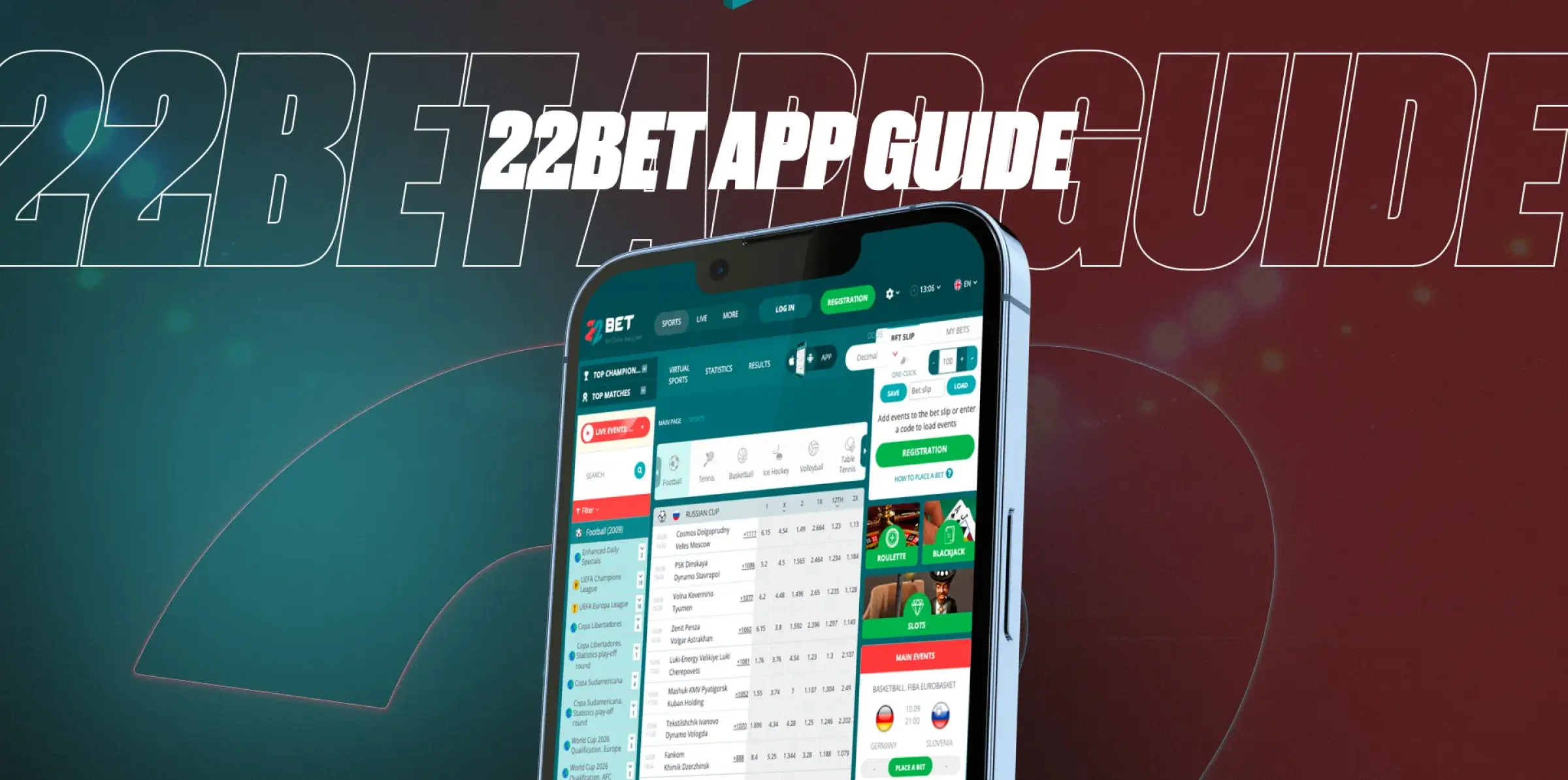
Android is still the default in Nigeria: Tecno, Infinix, itel, Samsung A-series, plus older Xiaomi models. That’s why Android performance matters more than any marketing screenshot. The Android route is also the one where people run into ‘phone settings’ issues, so a clear install process saves time.
How To Download And Install
Most Nigerian users install the app through the official site using an APK file, not through a random link somebody forwards in a group chat. The safe path looks like this:
- Open your phone settings and allow installs from unknown sources for the browser you’re using (Chrome is the common one).
- Visit the official site and tap the button that says Download 22Bet App.
- The installer comes down as a file; that file is the 22Bet APK.
- Open it, install, then sign in.
Two boring problems cause most failed installs:
- Storage packed with WhatsApp media, TikTok downloads, and ‘sent to me’ videos; clearing space fixes it fast.
- Download interrupted on weak data; switching to Wi-Fi (or a quieter data window) avoids corrupted files.
People sometimes search to download 22Bet APK because they want the installer directly; the official site route gives the same result, just without the risky shortcuts.
Compatible Devices
Minimum requirements shown for Android are practical: Android 6.0+, about 2GB RAM, and roughly 2GB free internal storage. That covers a big slice of phones in Nigeria, but performance still depends on the device.
What we noticed in real use:
- Midrange phones handle sportsbook and pre-match betting easily.
- The casino lobby and live video tables feel heavier on low-memory devices: not broken, just slower to load.
- Keeping background apps closed helps more than people expect.
A quick ‘real Nigeria’ tip: when network congestion hits during match hours, the app doesn’t magically fix it. Switching away from live video content (or lowering stream quality when available) stabilises the experience faster than refreshing the page ten times.
Mobile App for iOS
iPhone users usually want one thing: clean installation, no extra permissions, no weird files. iOS delivers that because the install is handled in the App Store, and the app behaves like a normal Apple download.
How To Download And Install
Open the App Store, search for the Nigeria-facing listing, install, then sign in. Nothing else is needed. That simplicity is the biggest advantage of iOS. Many players refer to it casually as the 22Bet application because it installs like any other official app: no extra steps, no ‘unknown sources’ toggles.
Compatible Devices
The App Store requirement matters more than what a promo page says. When we checked, the iOS listing required iOS 14+ (iPhone) and iPadOS 14 or later (iPad). Phones stuck on older iOS versions will struggle to install or update.
Download size also matters in Nigeria: the iOS download showed a little over 200MB when we checked (fine on Wi-Fi, annoying on data). If a phone is low on storage, the install can fail silently: clearing a few GB avoids a pointless fight.
Sign UpFeatures Of The App
App features only matter when they solve real problems. The ones we noticed immediately are the ‘speed’ features: quick navigation, fast bet slip updates, and a cashier that doesn’t hide behind three menus.
Here’s what stood out in practical use:
- Fast access to football and live tabs: no hunting around.
- Bet slip that updates clearly when odds move (especially live).
- Built-in cashier for deposit and withdrawal actions without needing a desktop.
- Casino filters and search that save you from scrolling a giant lobby.
- Notifications that can be useful (odds/promo nudges), but worth turning off if you hate noise.
One underrated feature for Nigerians: ‘repeatable habits’. Once favourites are set (leagues, teams, and a few slot titles), the app becomes quicker every day.
Registration Process Via The App
Sign-up on mobile is built around phone verification, which matches how most Nigerian betting accounts are created. A clean registration also helps later: password resets and account recovery work better when the phone number is verified early.
Steps we used:
- Open the app and tap ‘Register’.
- Choose phone or email, fill in your details carefully.
- Confirm with OTP (SMS).
- Log in, then complete your profile in the account area.
Verification tends to matter most later, when a withdrawal is requested. Doing it early makes everything smoother.
Sign UpMobile Website Version
Not everyone wants an install. Some phones are low on storage, some people hate APK installs, and some iPhones simply can’t meet the iOS requirement. The mobile web version fixes that: the full platform runs in a browser, and core features stay available.
Using the mobile site is straightforward:
- Open Chrome or Safari.
- Go to the official domain, log in, and use the same menus for Sports, Live, Casino, and cashier actions.
A nice trick for heavy users: add the site to your home screen so it behaves like an app icon. That avoids typing the address every time and feels close to a native experience. People who just want to download 22Bet often end up happier with this route because it works on almost any phone without installation headaches.
Mobile Games
Casino on a phone is a different test than a sportsbook. Slots usually run fine on midrange devices because they’re mostly animation and taps. Live dealer games are the real stress test because video stability matters.
The 22Bet casino app side gives you both: slots, crash games, and streamed tables. What plays best on Nigerian data:
- Slots and fast games: Generally smooth, even on average network conditions.
- Crash titles: Good for quick sessions because rounds are short and loading is light.
- Live dealer tables: Better on steady data or Wi-Fi, especially during peak congestion.
Game examples we used to test variety (without repeating the same ‘every casino’ list): Big Bass Bonanza, Sugar Rush, and Starlight Princess for slots, plus a few live tables like Infinite Blackjack and Speed Roulette for streaming behaviour.
Providers help here too: streams powered by studios like Evolution tend to be more stable than low-end alternatives, while slot-heavy studios like Pragmatic Play load quickly on phone screens.
Sign UpMobile Betting
Mobile betting is where the platform feels most ‘Nigeria-ready’. Most people place slips on the move: in a taxi, at a work break, in front of the TV, or while switching between apps during a match.
What we tested on mobile:
- Pre-match slips: Fast to build, low stress.
- Live betting: Odds refresh, market availability, and slip behaviour under pressure.
- Cashout: When available, how easy is it to find and use without misclicking?
The app supports a wide range of sports beyond football (tennis, basketball, MMA, motorsport), but football is clearly the ‘front door’. Live betting stays usable as long as you respect one rule: odds move while you’re tapping. Keeping slips simple on shaky data helps.
A few habits that save Nigerians money on mobile:
- Avoid last-second taps: odds updates can change the selection right before confirmation.
- Double-check the stake before confirming: misclicks happen faster on phones.
- Use Wi-Fi for live casino streams; data quality decides the experience, not the brand name.
One keyword note for your checklist: the phrase 22Bet app download shows up most often when users are deciding between installing and sticking to the browser. Our take stays simple: install for speed and convenience, use the mobile website as a reliable backup.
Frequently Asked Questions
Does the App Work Properly on Nigerian Data Networks?
What’s the Safer Android Install Route?
Can I Use Mobile Without Installing Anything?